

Hello besties!
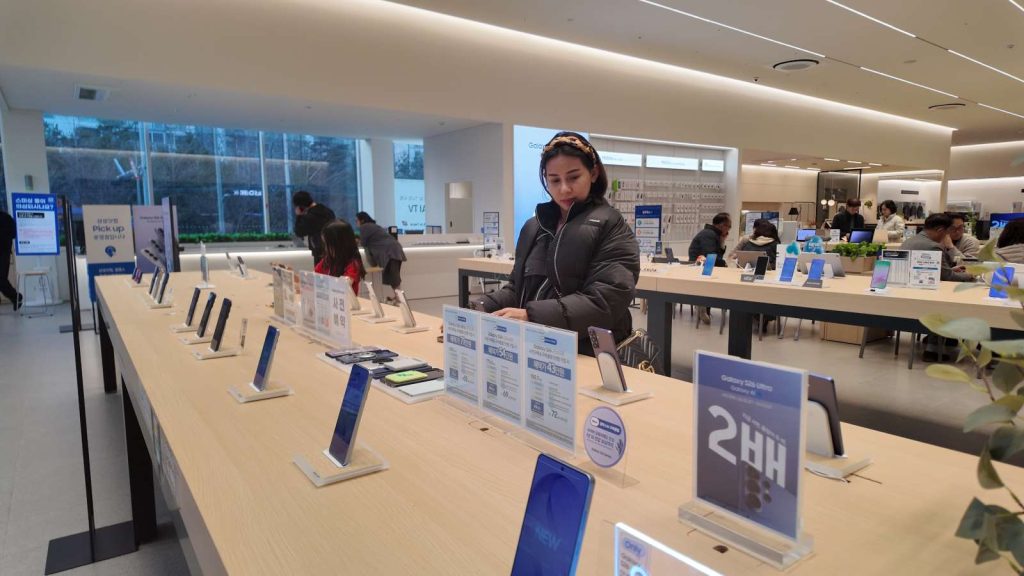
It’s Joana, and today’s episode is… the very first day the new Galaxy S26 series is officially being revealed to the public here at the Samsung Store! 😎📱✨

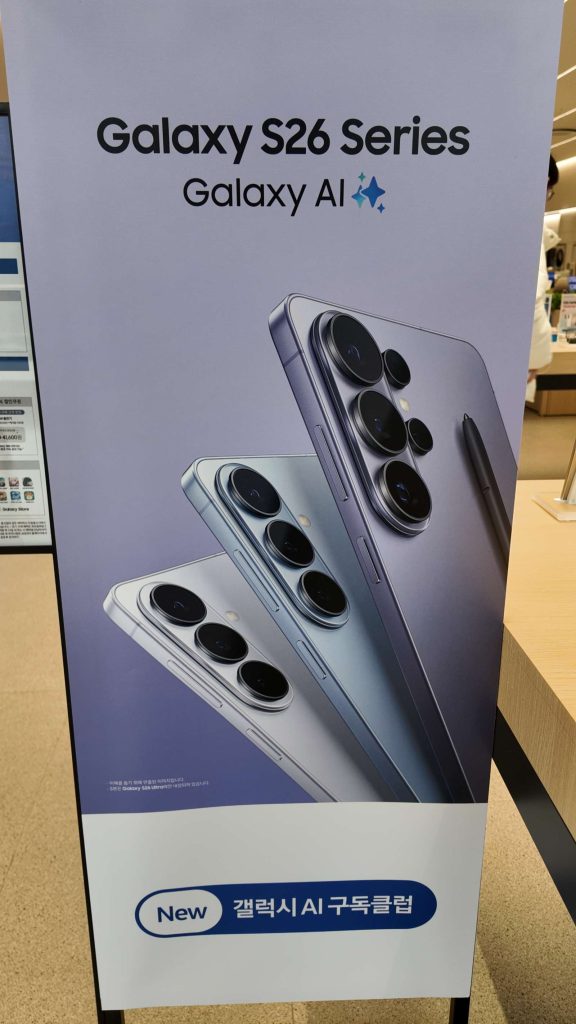
The moment the doors opened, before I even heard “Welcome,” my eyes went straight to this giant sign:
“Galaxy S26 Series / Galaxy AI”
And it wasn’t an ad. It was a temptation billboard.
Samsung isn’t “launching” phones anymore.
They’re basically running a full-time wallet-stressing program. 😇
(I came here to “just look,” and my wallet already started sweating.)
1) The Three Siblings Line-Up: S26 / S26+ / S26 Ultra
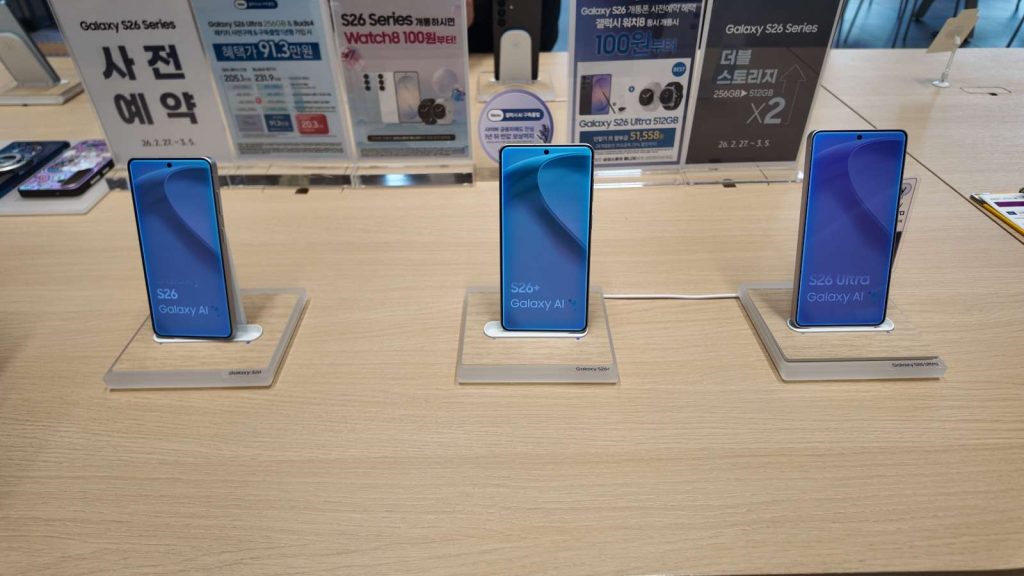
Right in the middle of the display table—
the S26 trio was lined up like a personality test:
- Galaxy S26 (base): “Clean, practical, flagship basics. I’m the smart choice.”
- Galaxy S26+ (Plus): “A little bigger, a little more comfortable… more space for life.”
- Galaxy S26 Ultra: “Full option package. I will manage your lifestyle now.” 😎
That’s genuinely the vibe. 😂
2) The Moment I Saw the S26 Ultra, I Thought:
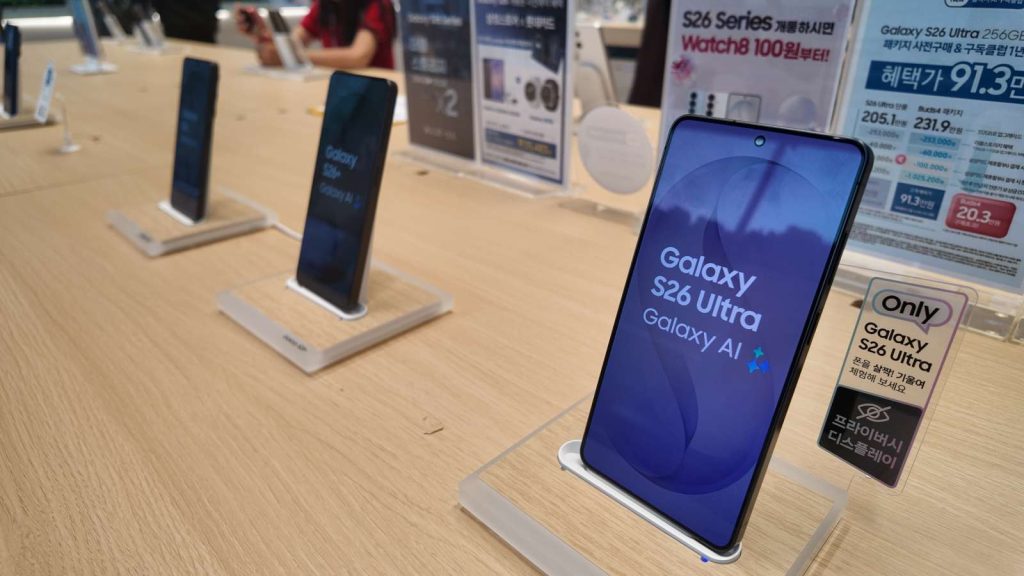
“Oh… this one is literally a privacy weapon.”
The store setup makes it obvious what Samsung wants you to notice about the S26 Ultra.
✅ Privacy Display
Samsung is pushing the Privacy Display idea HARD this time, and honestly, it makes sense:
Clear for you.
Dark for the person trying to peek from the side. 😇
You know that café moment when someone next to you somehow reads your screen like it’s their job?
(Especially when messages like “Where are you?” “Who are you with?” pop up… 💀)
This feature basically screams: “Not today, nosey neighbor.” 😂
3) “Galaxy AI” — what does it actually mean?
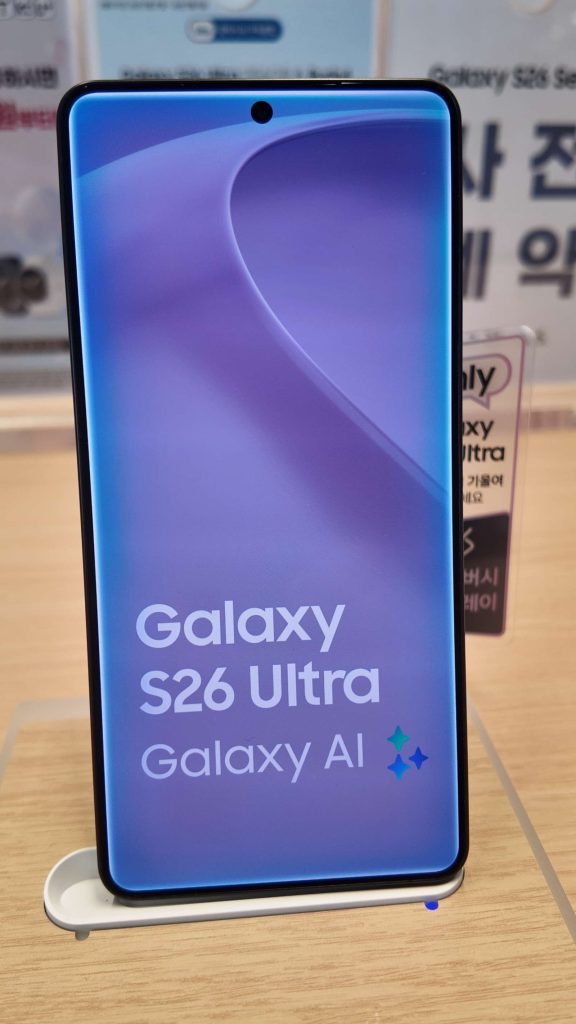
The biggest keyword on the S26 series is Galaxy AI.
And the store vibe is: “AI is not optional. It’s default.”
Here are the “this actually matters in real life” AI vibes:
✅ (1) Call / conversation help: Live Translate type features
Things like Live Translate (real-time translation for calls or conversations) are part of the Galaxy AI direction.
It’s like: “Different language? No problem. AI got you.” 😅
✅ (2) Circle to Search / instant search from your screen
The “circle what you see and search instantly” feature is the kind of thing you don’t think you need—
until you use it… and then you can’t go back. 😂
✅ (3) Scam / safety / practical daily protection
There’s also a clear move toward practical AI: scam detection, smarter protection, everyday security-type features.
So it’s not just “cool AI.” It’s “survival AI.”
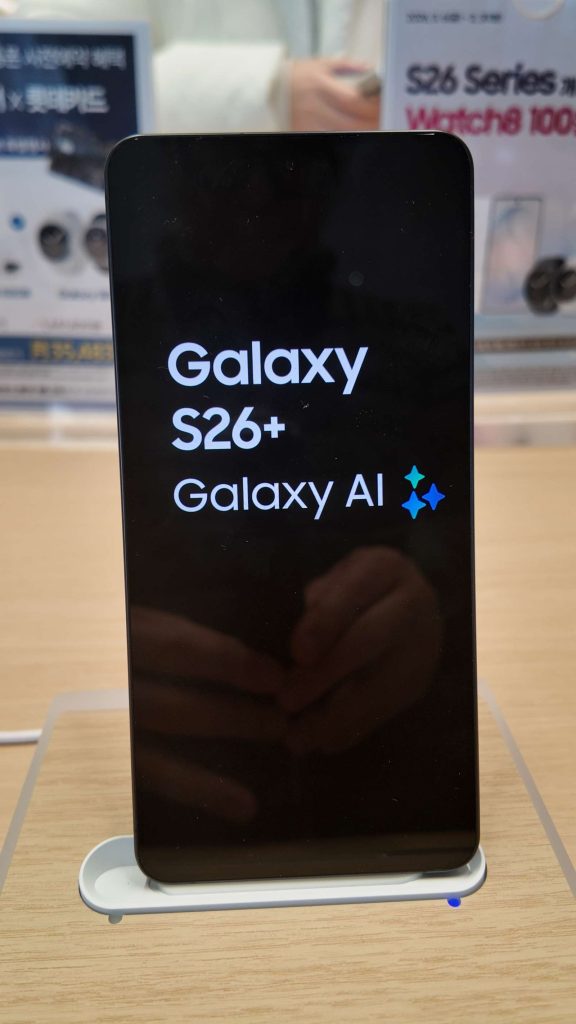
Overall, the vibe is:
This isn’t AI for show anymore—
it’s AI designed to be used every day.
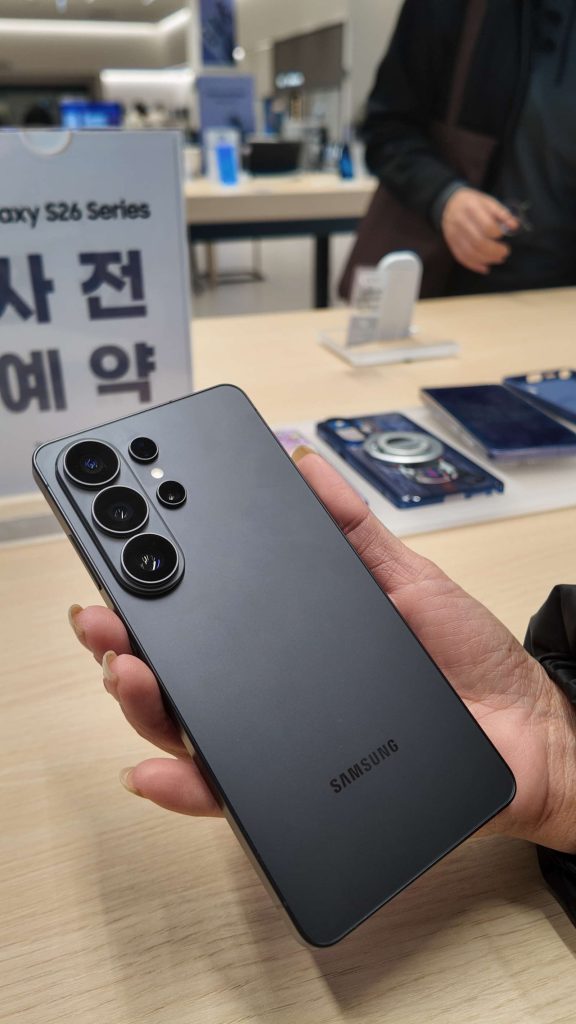
4) Real-life colors + the camera back: “Photos are reality. Renders are just bonus.”
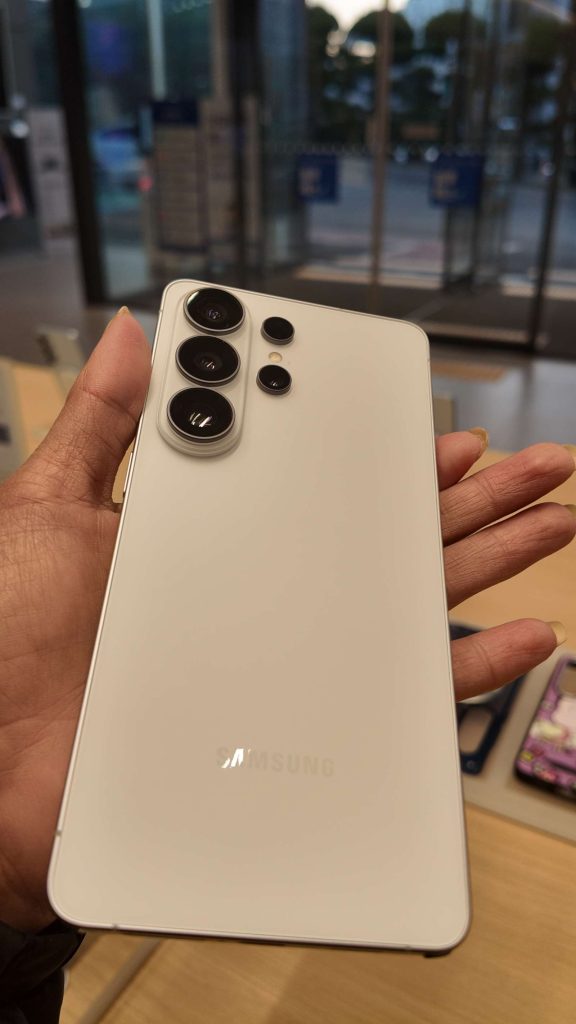
I also took those “in-hand” shots (because yes, I’m that person 😌).
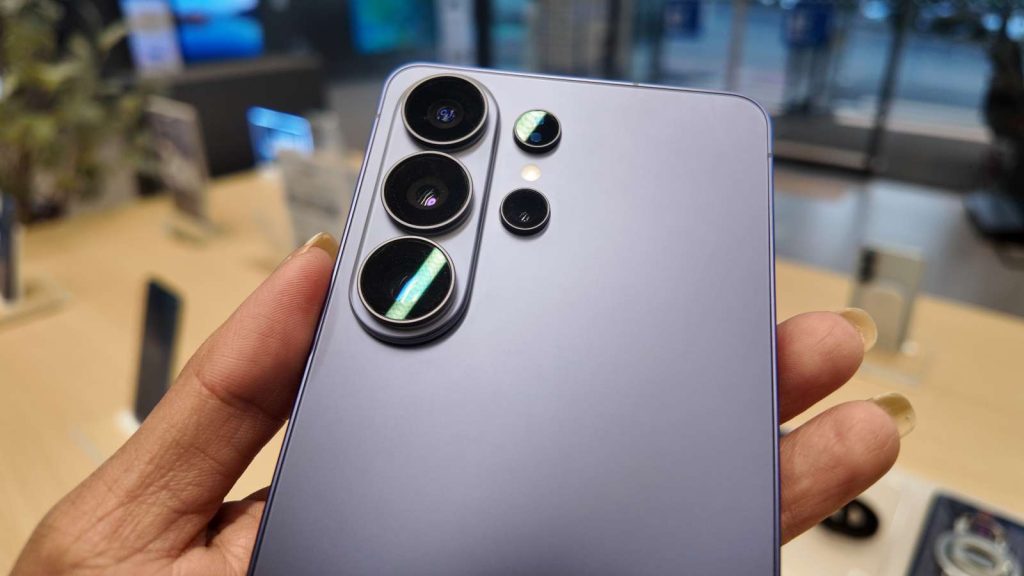
And you can feel the premium finish and the “camera presence.”
- The matte look feels more fingerprint-friendly
- The camera module looks like it’s saying: “Please take photos of everything.” 📷
- And yes—on the Ultra, it’s still giving camera-first flagship energy
Sometimes you don’t need a long explanation.
The pictures already do the talking. 😎
5) Plot twist: There’s a “Galaxy AI Tab Zone”… and Joana suddenly wants to study?!
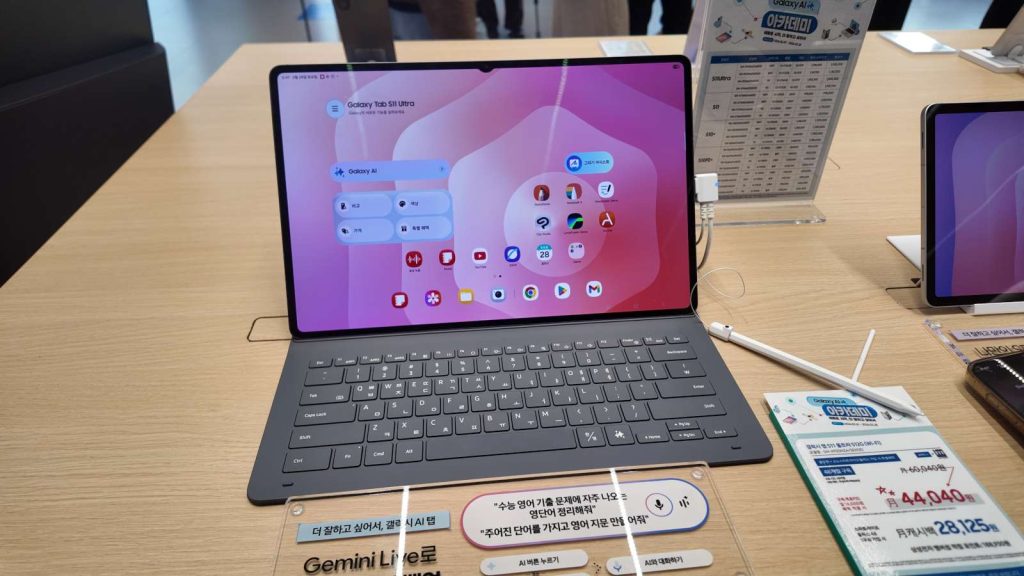
This was the unexpected part.
I came for phones…
then I saw a Galaxy Tab S11 Ultra + Galaxy AI demo area (with a keyboard attached!) 😳
And the signage was aggressively motivational:
- “Organize your class notes with S Pen quick tools”
- “Gemini Live…” (aka: “Just speak and I’ll help you do everything” vibes)
And that’s when I realized:
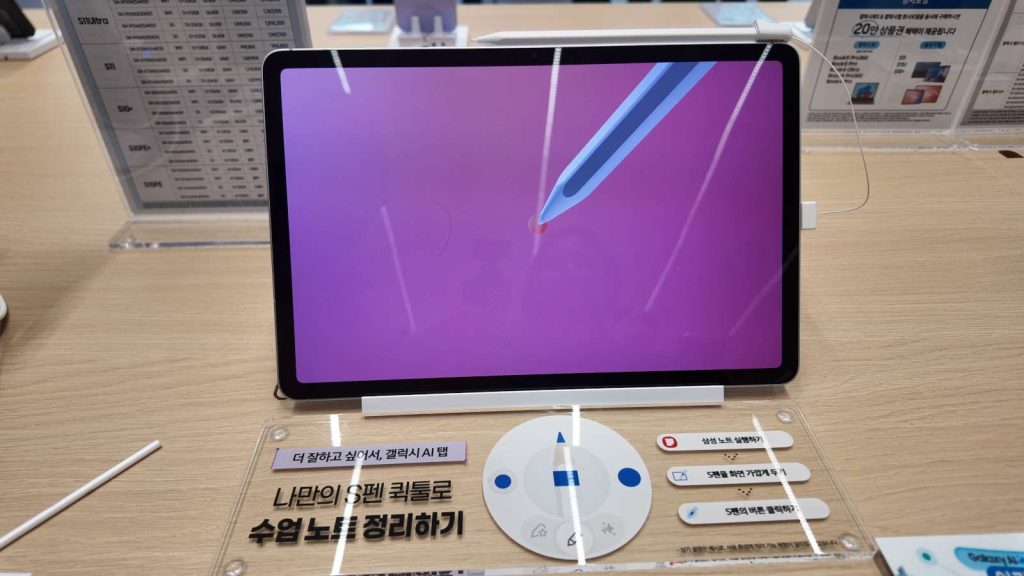
This is not just a tablet.
This is a device that will force you to become productive. 😂
It was scary, besties…
I was just browsing, but the big screen + keyboard + pen combo made me think,
“Wait… could this also organize my LIFE?” 😇📌
Closing: Next time, I really want to try everything properly
Today was basically a “first encounter” day—
I checked out the S26 direction, the AI vibe, and how the Ultra is being positioned.
But next time… I’m not just going to “look.”
I want to sit down and actually try:
✅ S26 Ultra Privacy Display
✅ Galaxy AI features (the real daily-life ones)
✅ and the Galaxy AI Tab workflow (notes → AI organization → productivity mode)
Because honestly…
my schedule is also unorganized right now. 😭
If it can organize notes…
maybe it can organize my life too.
51% chance. 😇😂
(Next episode teaser: Joana tries to “pretend” to study at the Samsung Store… and ends up actually studying. Coming soon!)